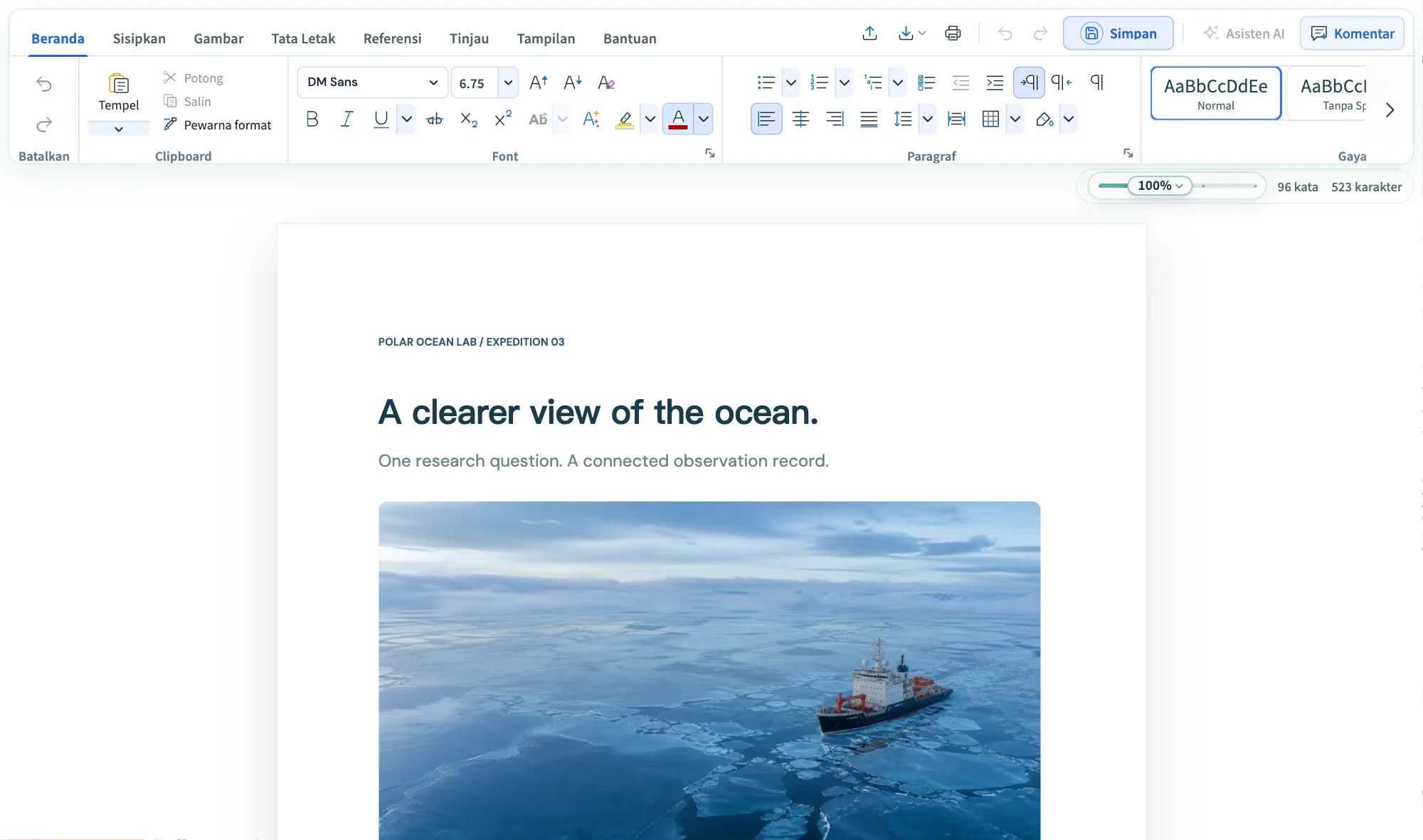
Dokumen
Judul, tabel, gambar, dan komentar, ditata halaman demi halaman seperti di Word.
Buka file dari komputer, edit, lalu ekspor kembali dalam format yang sama. Dokumen, spreadsheet, presentasi, PDF, kode, dan tulisan tangan di satu tempat, gratis.

Judul, tabel, gambar, dan komentar, ditata halaman demi halaman seperti di Word.
Rumus, diagram, filter, dan pemformatan bersyarat, dengan file Excel tetap utuh.
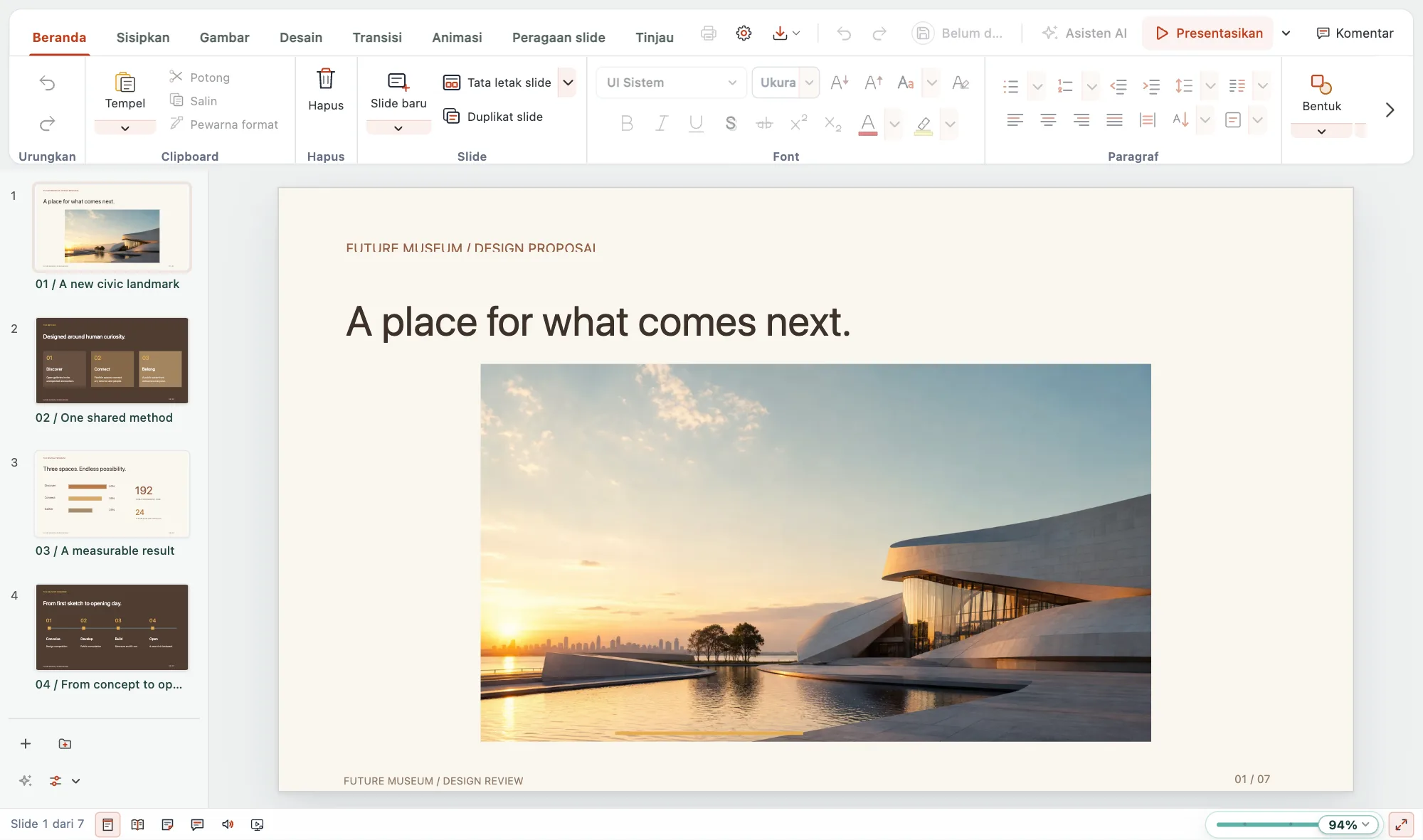
Tata letak, bentuk, diagram, dan catatan pembicara; tayangan slide berjalan langsung di browser.
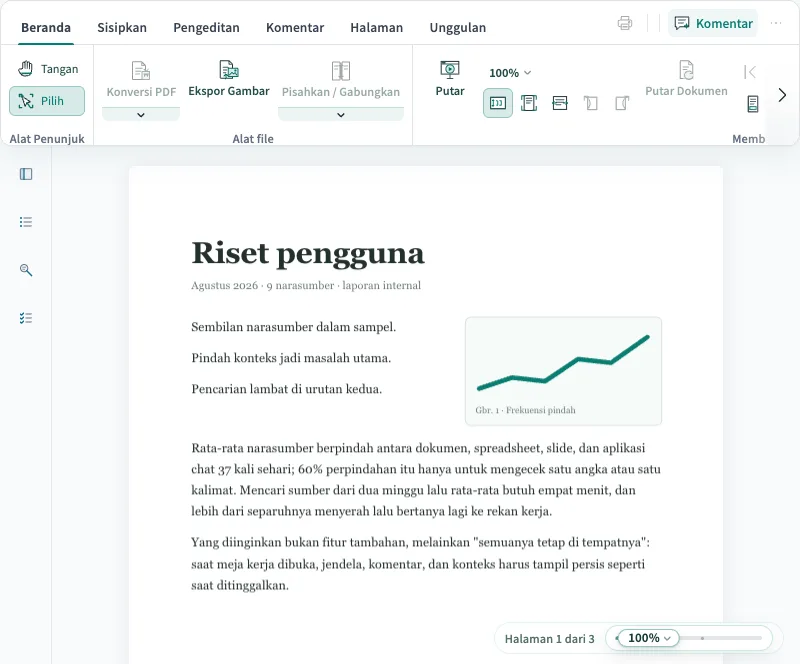
Baca, sorot, dan beri komentar pada PDF, serta edit teksnya.
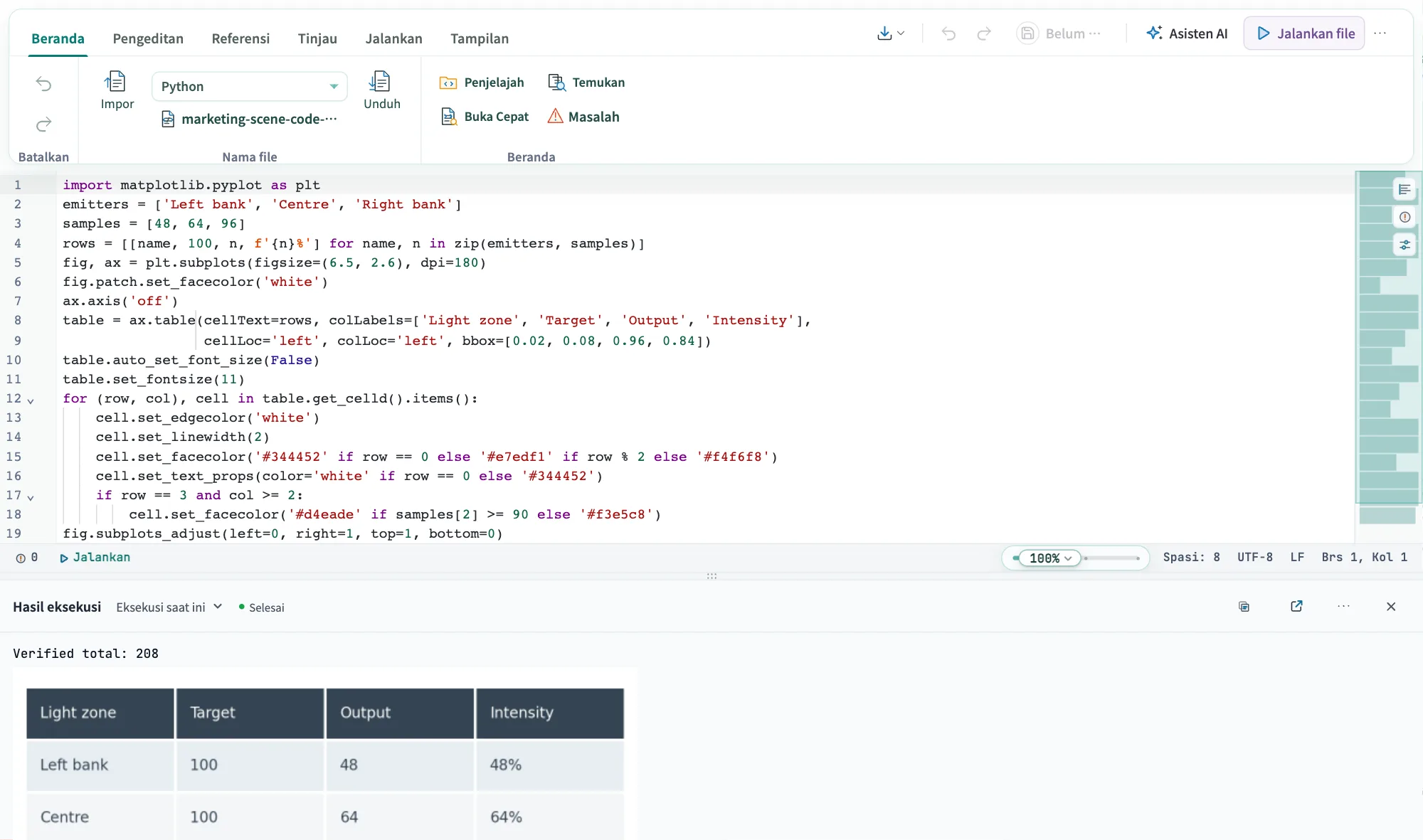
Tulis kode dan jalankan Python langsung di browser.
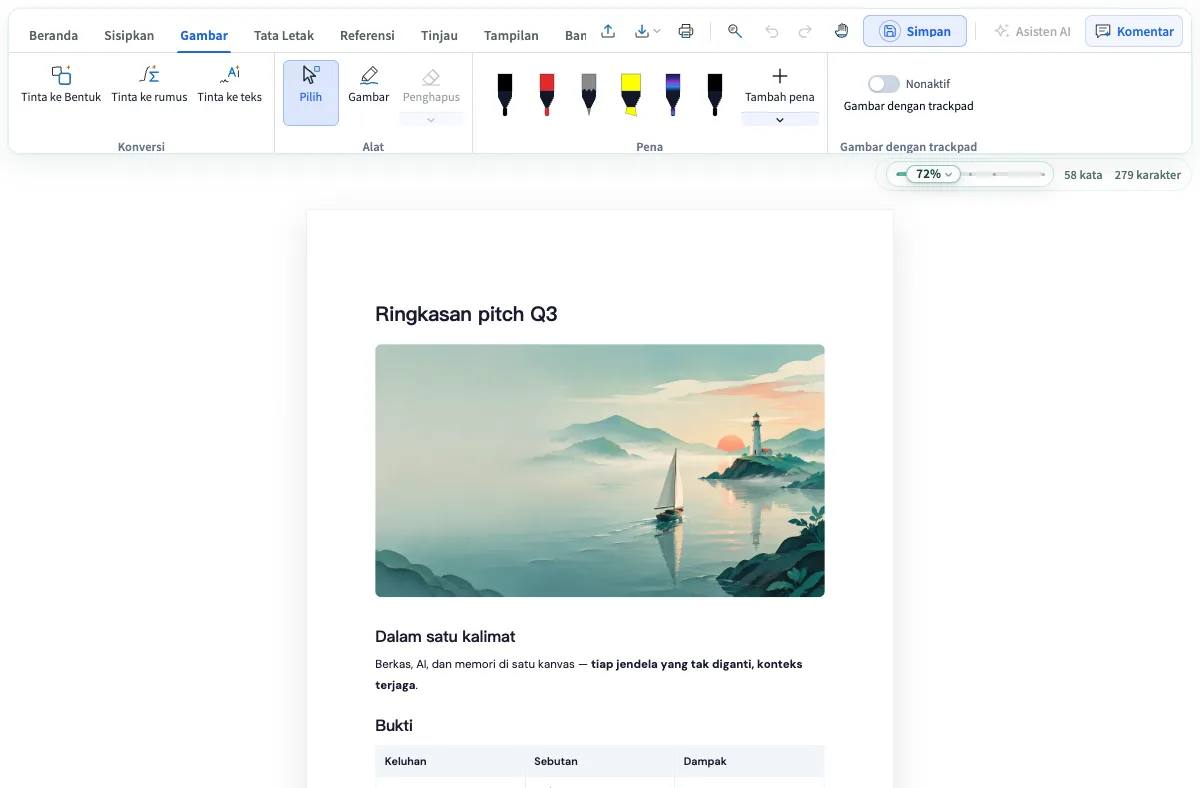
Tulis dan gambar di halaman dengan pena atau jari.
Buka file .docx, .xlsx, .pptx, dan PDF dari komputer, edit, lalu ekspor kembali dalam format yang sama.
Minta draf, penulisan ulang, ringkasan, analisis tabel, atau slide dari sebuah dokumen.
Aplikasi desktop untuk Mac dan Windows membuka file langsung dari folder Anda dan tetap berjalan saat offline. Unduh untuk Mac dan Windows
For developers
Real Word, Excel, PowerPoint and PDF editing inside your own app. Your server keeps the file; MR Office opens it, your users edit it together, and it is saved back as a real Office file.
Opens and saves .docx, .xlsx, .pptx and PDF. What nobody changed stays byte for byte; every save reaches your server with a signed callback.
One script, MROffice.open(), and one server route that signs a token. Self-serve in the developer console, free to start.
Sessions scoped to one file and one person, framed only by your origins; turn off export, print or comments, and keep files in your storage.
<script src="https://mroffice.ai/embed/v1/embed.js"></script>
<script>
  MROffice.open({
    container: "#editor",
    appId: "YOUR_APP_ID",
    token: () => fetch("/editor-token").then((r) => r.json()).then((b) => b.token),
  });
</script>
MCP
MR Office's MCP server puts the same editors in your AI apps: they open, read and edit real Office files, and you see every change.
All AI apps and one-click installs →claude mcp add --transport http mroffice https://mcp.mroffice.ai/mcpSettings › Connectors › add https://mcp.mroffice.ai/mcpcodex mcp add mroffice --url https://mcp.mroffice.ai/mcp