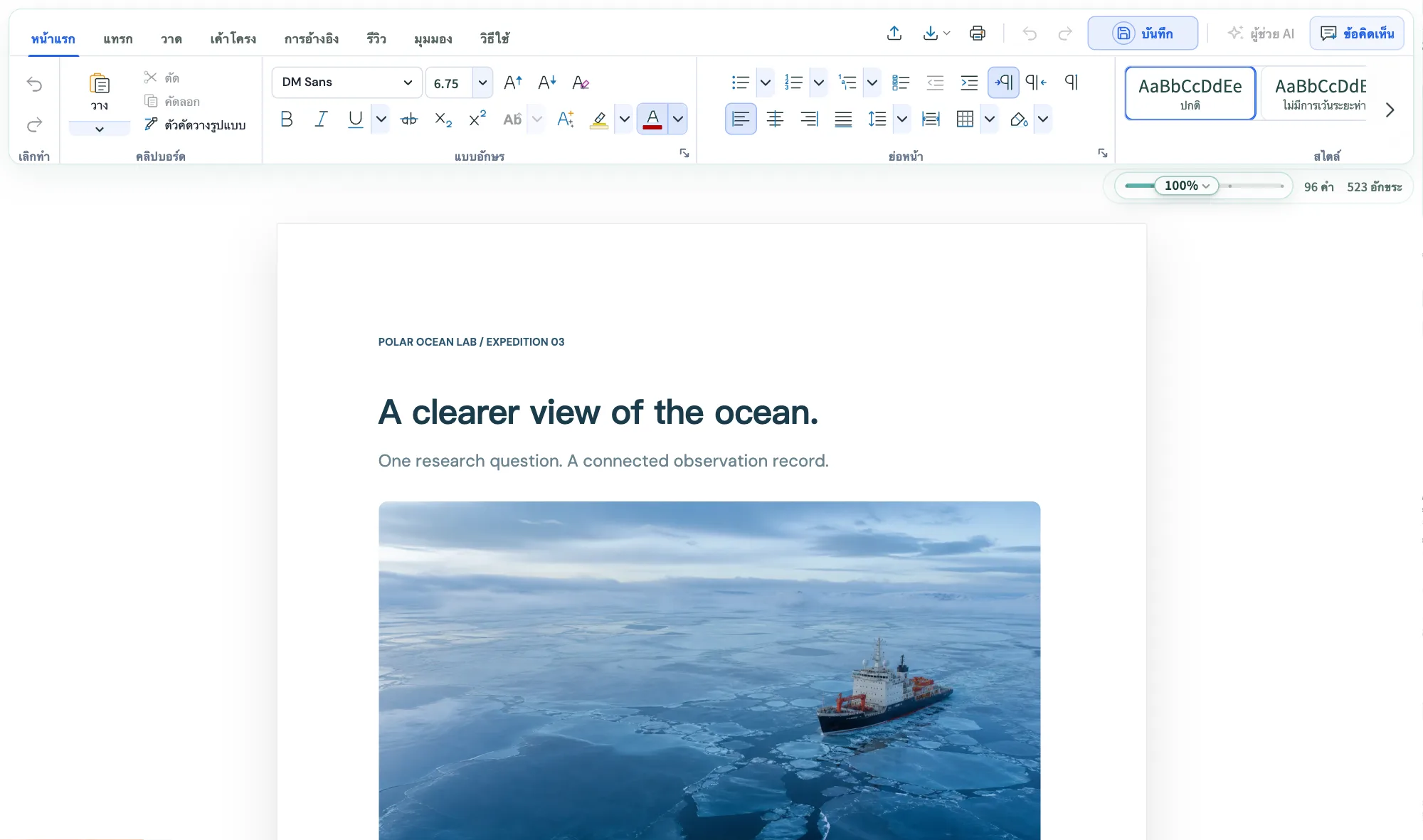
เอกสาร
หัวข้อ ตาราง รูปภาพ และความคิดเห็น จัดหน้าทีละหน้าแบบ Word
เปิดไฟล์จากคอมพิวเตอร์ แก้ไข แล้วส่งออกกลับเป็นรูปแบบเดิม เอกสาร สเปรดชีต งานนำเสนอ PDF โค้ด และลายมือ อยู่ในที่เดียว ใช้ฟรี

หัวข้อ ตาราง รูปภาพ และความคิดเห็น จัดหน้าทีละหน้าแบบ Word
สูตร แผนภูมิ ตัวกรอง และการจัดรูปแบบตามเงื่อนไข เปิดไฟล์ Excel ได้ไม่ผิดเพี้ยน
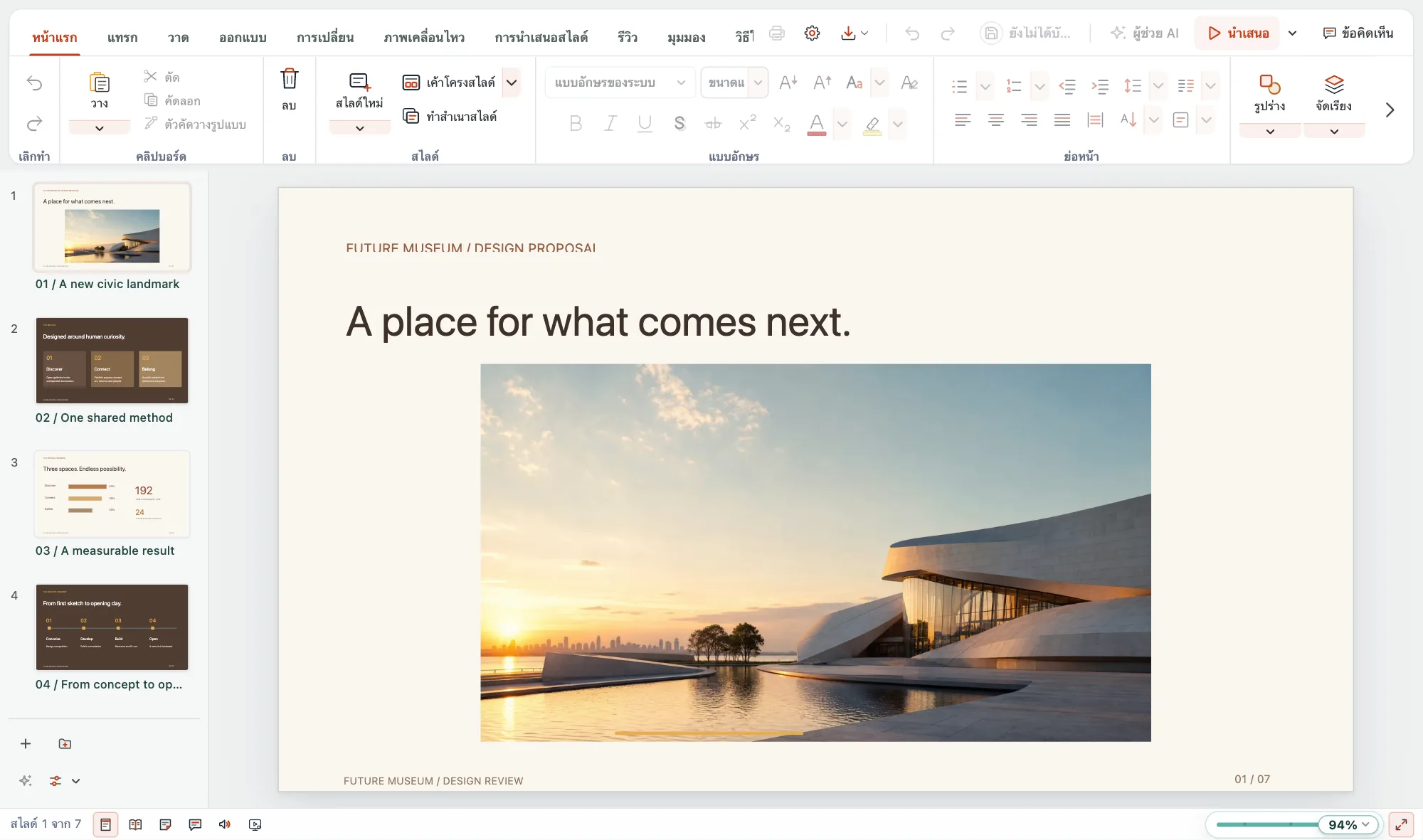
เค้าโครง รูปร่าง แผนภูมิ และบันทึกย่อของผู้บรรยาย นำเสนอได้ในเบราว์เซอร์ทันที
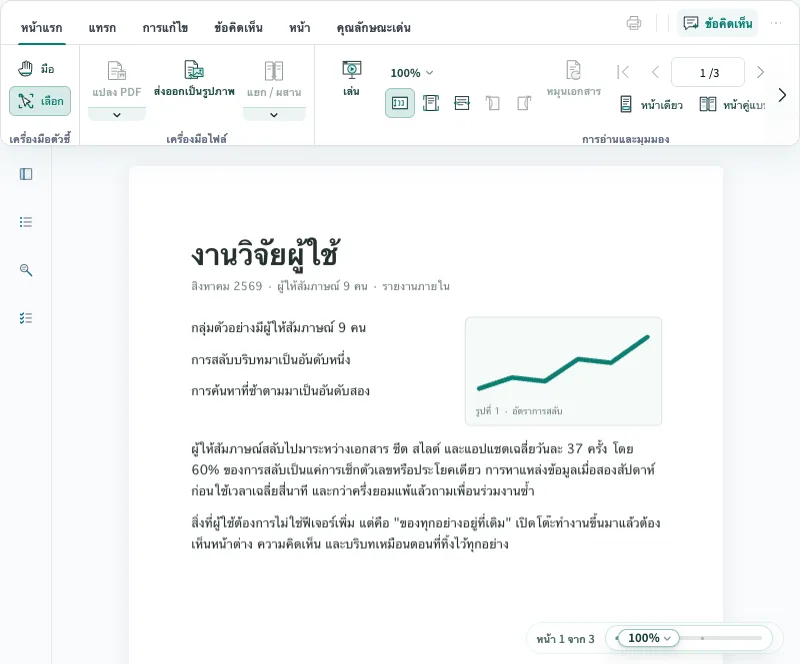
อ่าน ไฮไลต์ และใส่ความคิดเห็นใน PDF รวมถึงแก้ไขข้อความได้
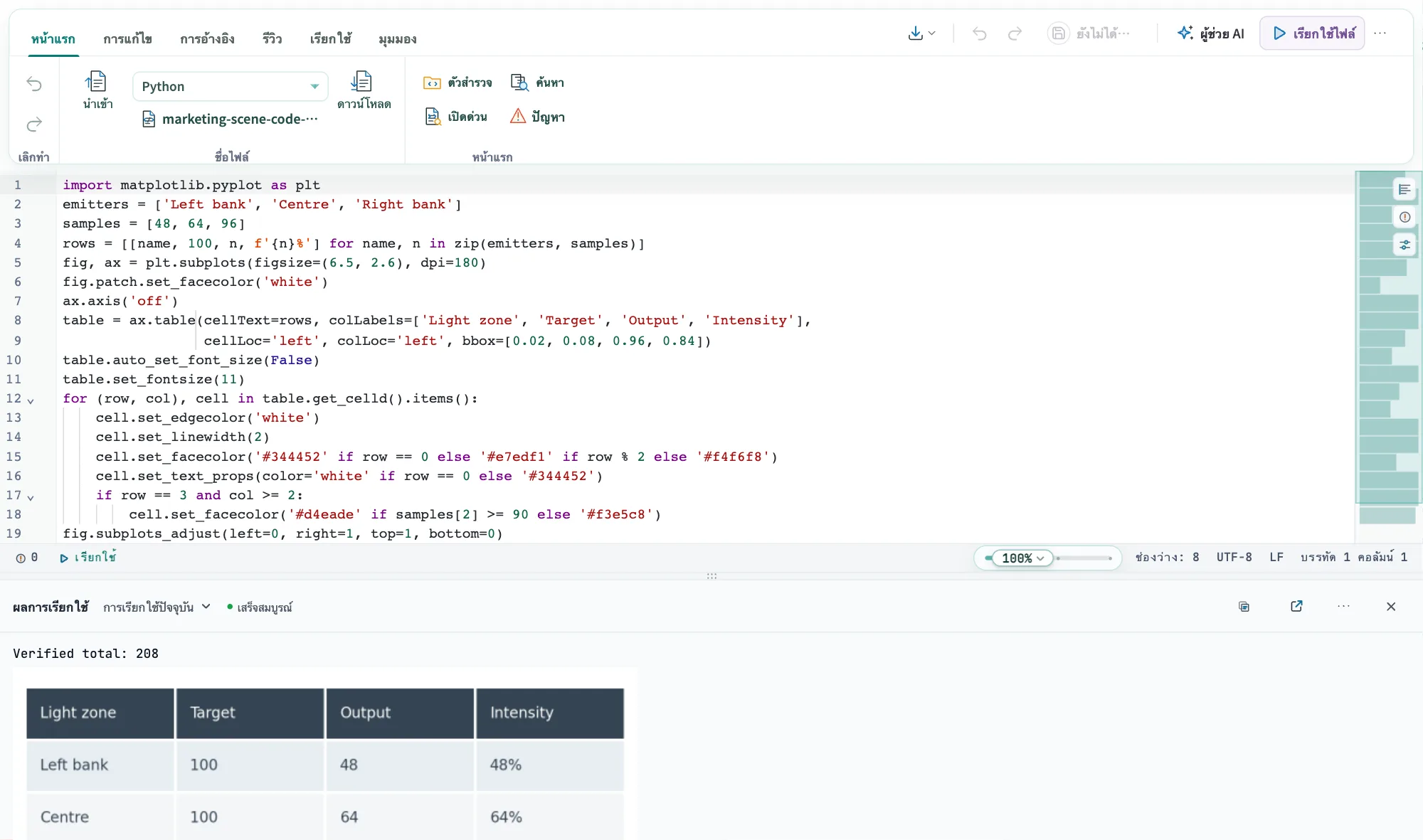
เขียนโค้ดและรัน Python ได้ทันทีในเบราว์เซอร์
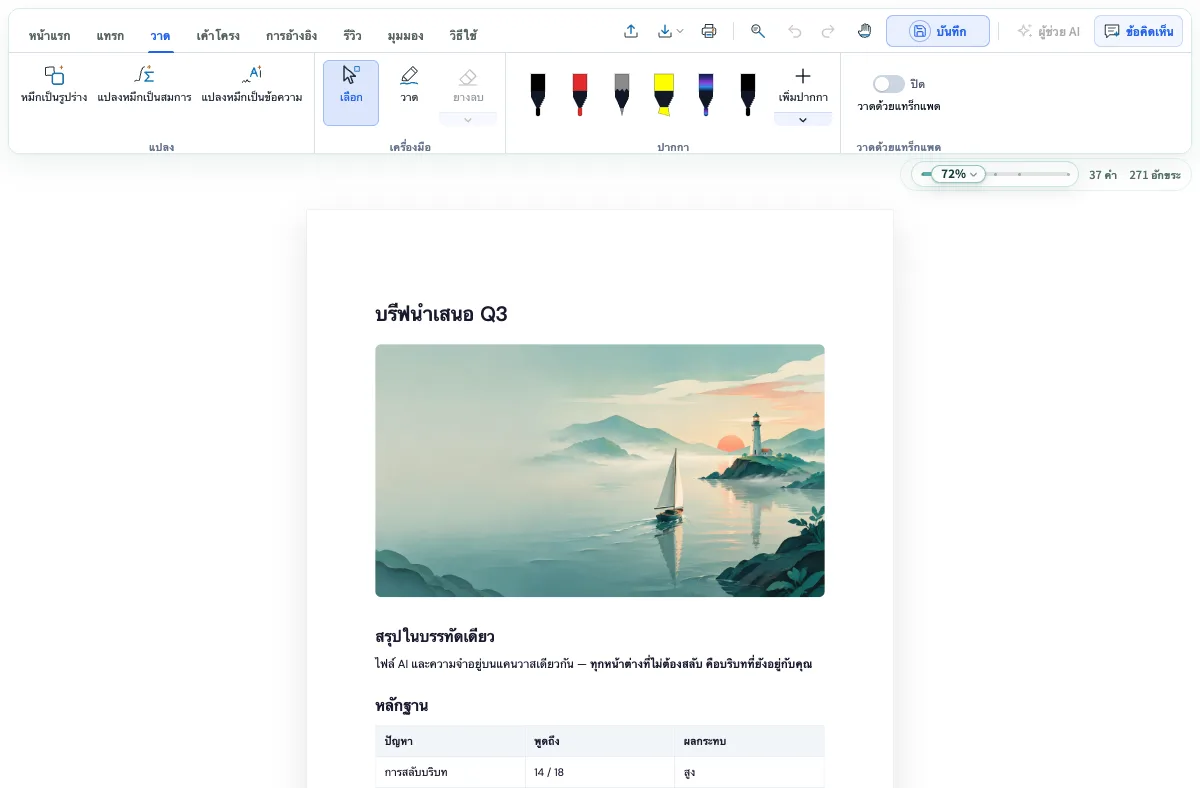
เขียนและวาดบนหน้าด้วยปากกาหรือนิ้ว
เปิดไฟล์ .docx, .xlsx, .pptx และ PDF จากคอมพิวเตอร์ แก้ไข แล้วส่งออกกลับเป็นรูปแบบเดิม
ให้ช่วยร่าง เขียนใหม่ สรุป วิเคราะห์ตาราง หรือเปลี่ยนเอกสารเป็นสไลด์
แอปเดสก์ท็อปสำหรับ Mac และ Windows เปิดไฟล์จากโฟลเดอร์ได้โดยตรง และทำงานต่อได้แม้ออฟไลน์ ดาวน์โหลดสำหรับ Mac และ Windows
For developers
Real Word, Excel, PowerPoint and PDF editing inside your own app. Your server keeps the file; MR Office opens it, your users edit it together, and it is saved back as a real Office file.
Opens and saves .docx, .xlsx, .pptx and PDF. What nobody changed stays byte for byte; every save reaches your server with a signed callback.
One script, MROffice.open(), and one server route that signs a token. Self-serve in the developer console, free to start.
Sessions scoped to one file and one person, framed only by your origins; turn off export, print or comments, and keep files in your storage.
<script src="https://mroffice.ai/embed/v1/embed.js"></script>
<script>
  MROffice.open({
    container: "#editor",
    appId: "YOUR_APP_ID",
    token: () => fetch("/editor-token").then((r) => r.json()).then((b) => b.token),
  });
</script>
MCP
MR Office's MCP server puts the same editors in your AI apps: they open, read and edit real Office files, and you see every change.
All AI apps and one-click installs →claude mcp add --transport http mroffice https://mcp.mroffice.ai/mcpSettings › Connectors › add https://mcp.mroffice.ai/mcpcodex mcp add mroffice --url https://mcp.mroffice.ai/mcp