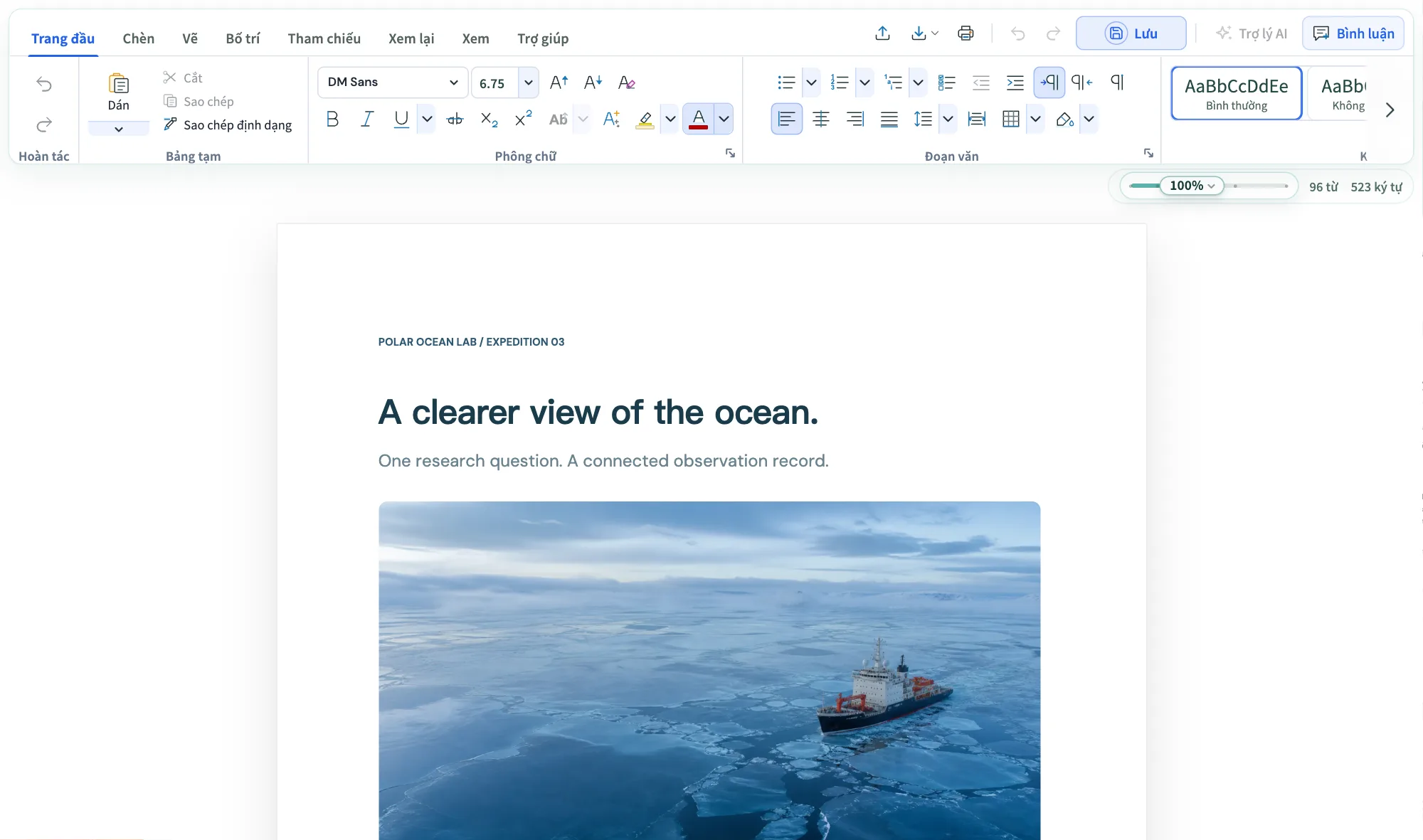
Tài liệu
Tiêu đề, bảng, hình ảnh và nhận xét, dàn trang từng trang như trong Word.
Mở tệp từ máy tính, chỉnh sửa rồi xuất lại đúng định dạng. Tài liệu, bảng tính, bản trình bày, PDF, mã và viết tay ở cùng một nơi, miễn phí.

Tiêu đề, bảng, hình ảnh và nhận xét, dàn trang từng trang như trong Word.
Công thức, biểu đồ, bộ lọc và định dạng có điều kiện, giữ nguyên tệp Excel.
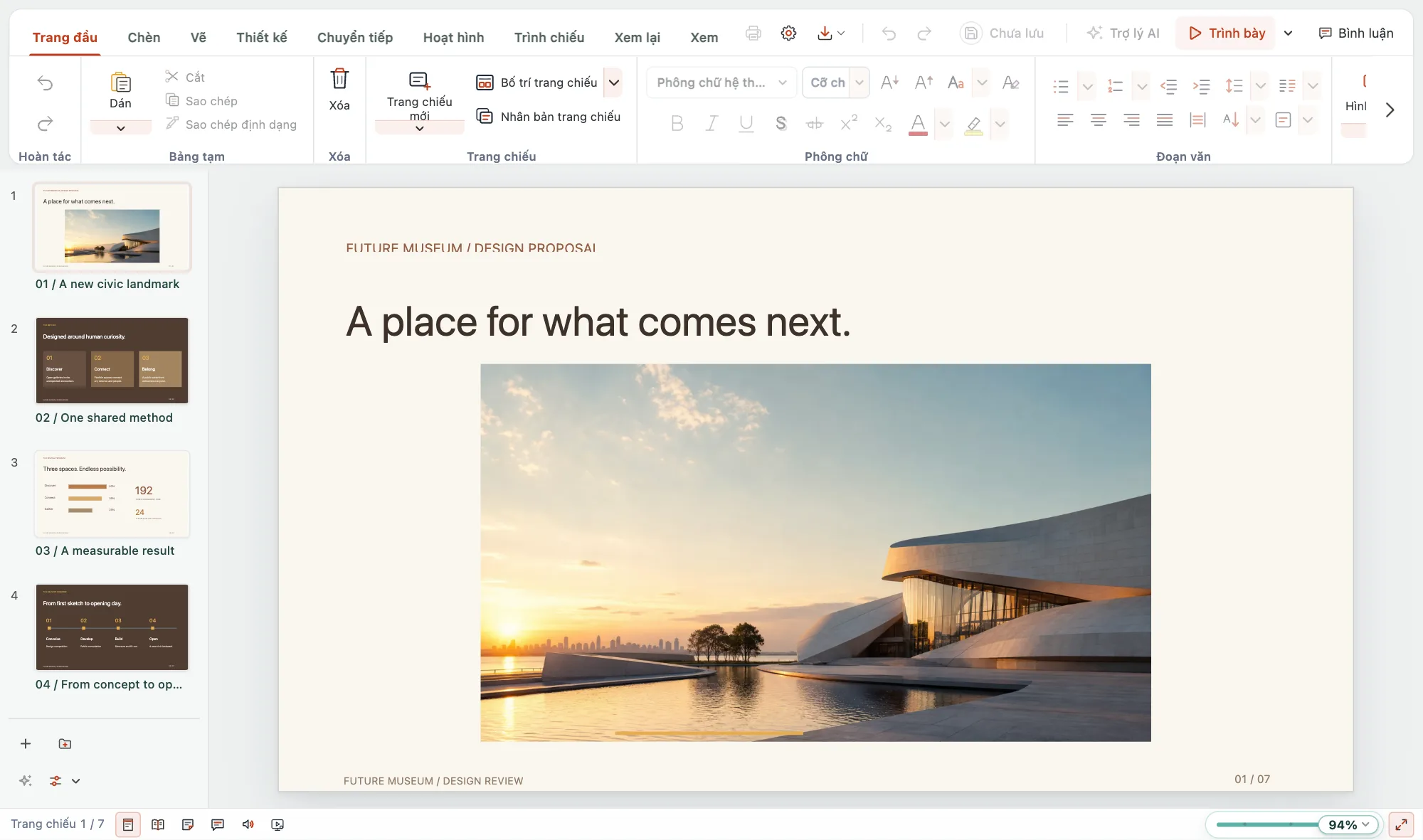
Bố cục, hình dạng, biểu đồ và ghi chú diễn giả; trình chiếu ngay trên trình duyệt.
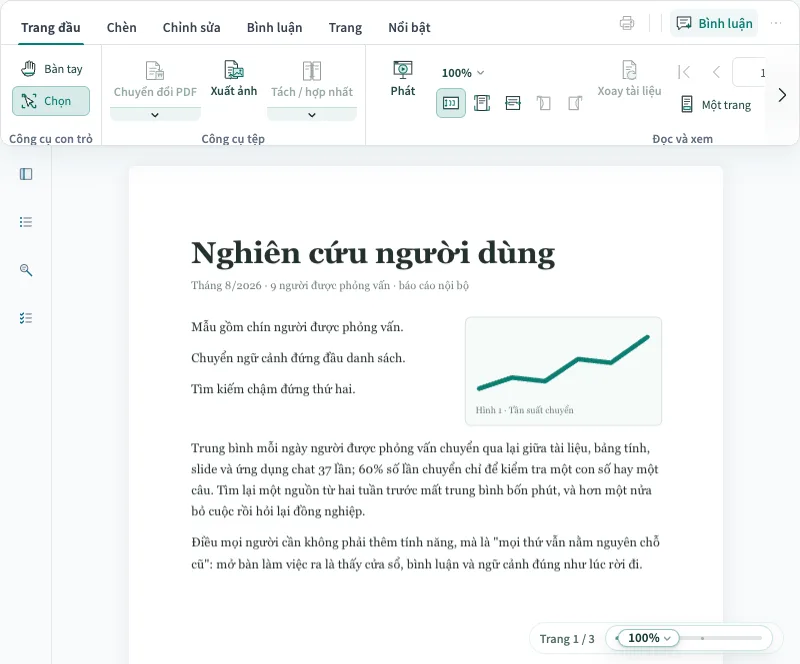
Đọc, tô sáng, ghi chú trên PDF và sửa chữ trong đó.
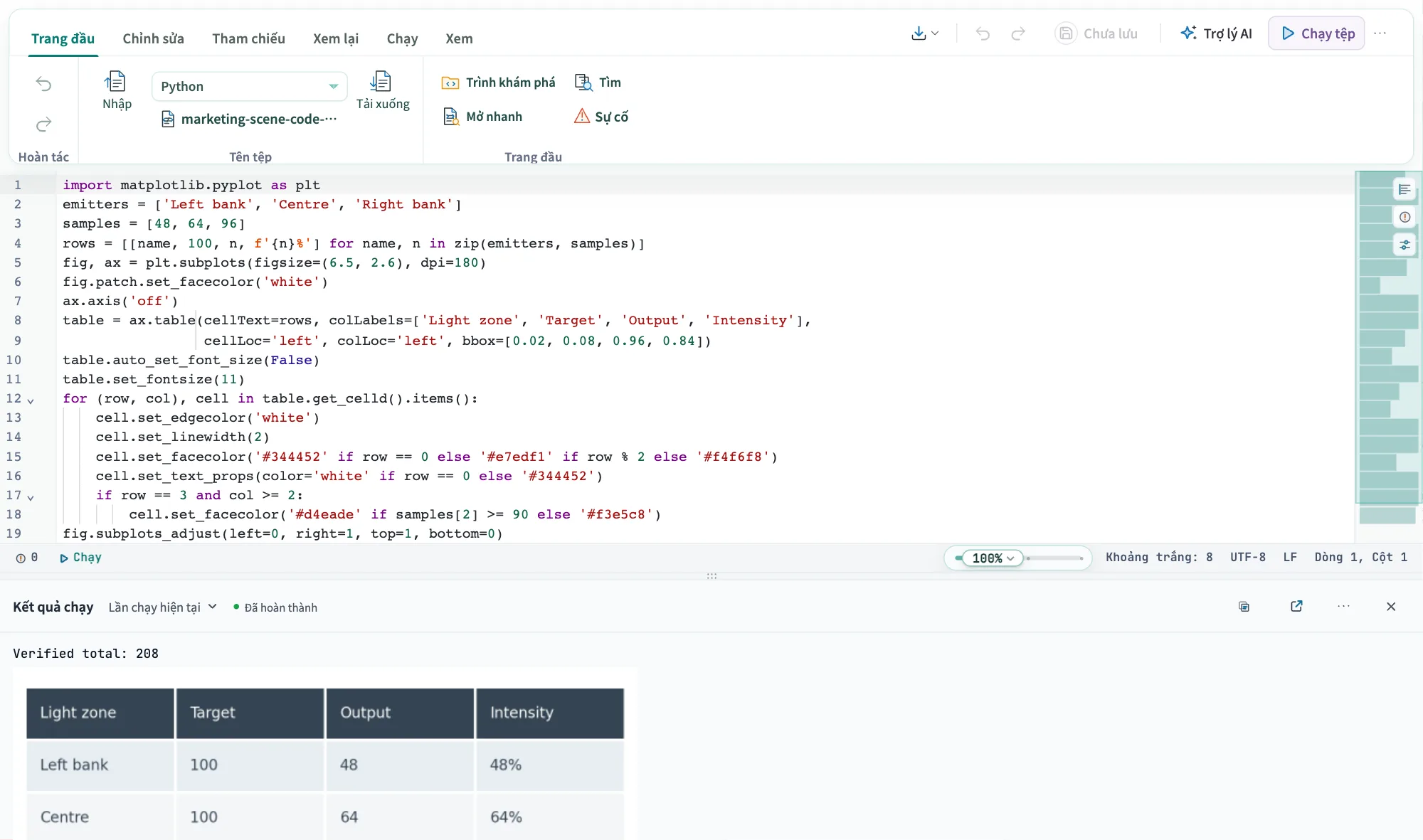
Viết mã và chạy Python ngay trên trình duyệt.
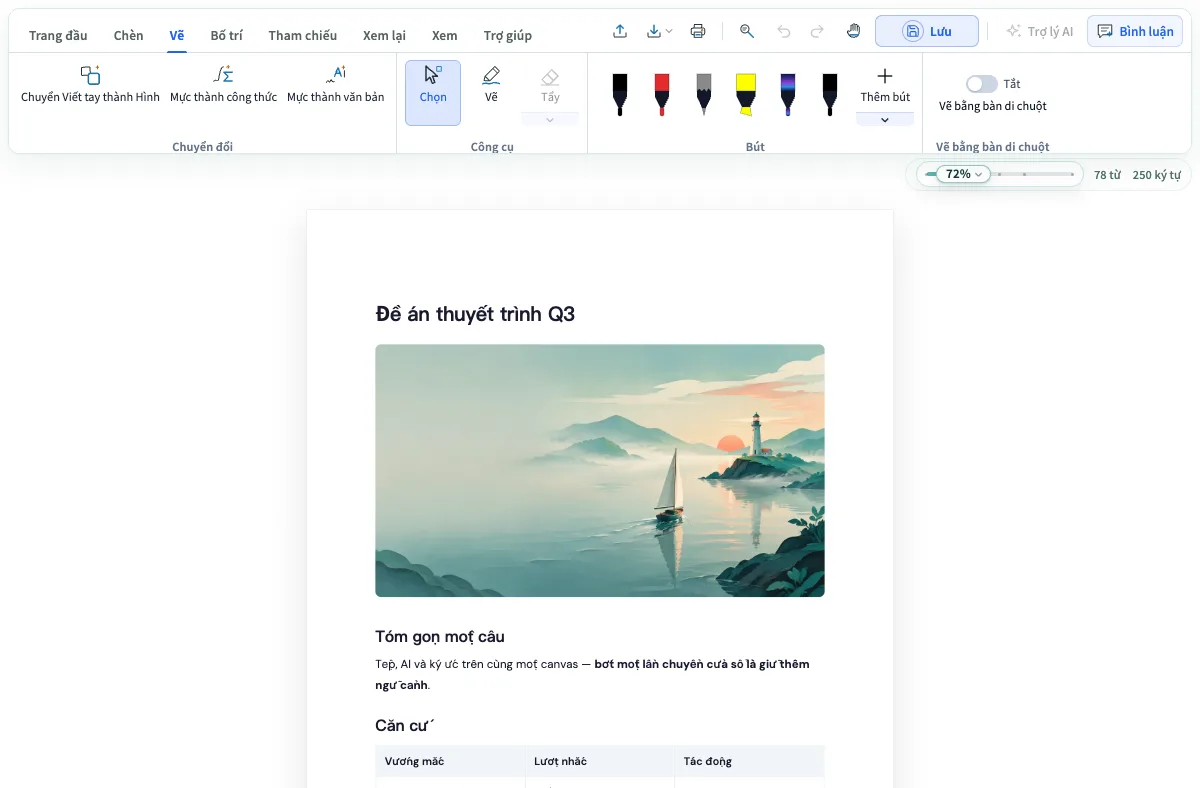
Viết và vẽ trên trang bằng bút hoặc ngón tay.
Mở tệp .docx, .xlsx, .pptx và PDF từ máy tính, chỉnh sửa rồi xuất lại đúng định dạng.
Nhờ AI viết nháp, viết lại, tóm tắt, phân tích một bảng hoặc biến tài liệu thành trang chiếu.
Ứng dụng cho Mac và Windows mở tệp ngay từ thư mục của bạn và vẫn làm việc khi không có mạng. Tải cho Mac và Windows
For developers
Real Word, Excel, PowerPoint and PDF editing inside your own app. Your server keeps the file; MR Office opens it, your users edit it together, and it is saved back as a real Office file.
Opens and saves .docx, .xlsx, .pptx and PDF. What nobody changed stays byte for byte; every save reaches your server with a signed callback.
One script, MROffice.open(), and one server route that signs a token. Self-serve in the developer console, free to start.
Sessions scoped to one file and one person, framed only by your origins; turn off export, print or comments, and keep files in your storage.
<script src="https://mroffice.ai/embed/v1/embed.js"></script>
<script>
  MROffice.open({
    container: "#editor",
    appId: "YOUR_APP_ID",
    token: () => fetch("/editor-token").then((r) => r.json()).then((b) => b.token),
  });
</script>
MCP
MR Office's MCP server puts the same editors in your AI apps: they open, read and edit real Office files, and you see every change.
All AI apps and one-click installs →claude mcp add --transport http mroffice https://mcp.mroffice.ai/mcpSettings › Connectors › add https://mcp.mroffice.ai/mcpcodex mcp add mroffice --url https://mcp.mroffice.ai/mcp